
Top 4 Workforce Guardian Alternatives 2026
UK Health & Safety Software Comparison
Top 4 Workforce Guardian Alternatives 2026
Choosing health and safety compliance software that fits site-specific requirements and regulatory standards now demands more than generic tools can offer. Many platforms either restrict essential compliance features to higher pricing tiers or leave UK regulation alignment unclear and manual. This comparison reviews modules, reporting automation, offline access, and regulatory mapping so health and safety managers and consultants can match an alternative to their compliance process.
Table of Contents
LifeSafety.ai
At a Glance
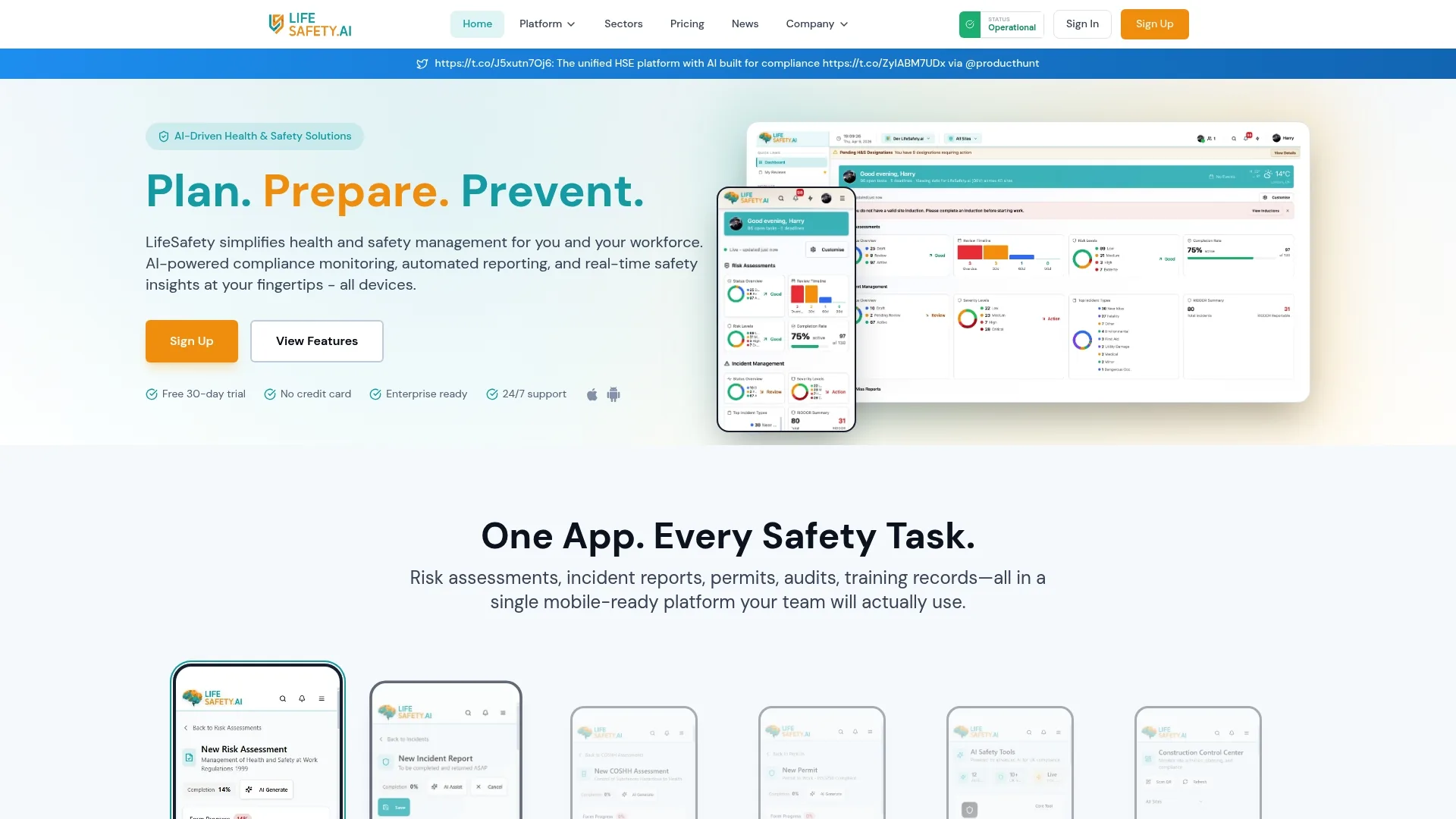
More than 182 integrated modules cover incident reporting, permits, audits, training and risk assessments across sites. According to the company, LifeSafety.ai is trusted by over 500 UK businesses. The platform combines mobile incident logging and automated reports to reduce paperwork and surface safety issues sooner.
Core Features
LifeSafety.ai uses AI-powered compliance monitoring alongside automated incident reporting and RIDDOR classification to shorten the time between an event and a record. Its mobile apps support risk assessments, permit-to-work workflows, audits and training records, so teams can log issues from site. Dashboards and analytics deliver real-time safety insights, while risk assessments include AI hazard suggestions and automatic review reminders.
Key Differentiator
The single practical difference is that compliance checks map directly to RIDDOR, CDM 2015, and BS standards, not generic checklists. That mapping lets the platform flag regulation-relevant items and classify incidents for reporting. The focus on UK regulation alignment reduces manual cross-referencing during audits and inspections.
Pros
Automation cuts repetitive paperwork by pairing incident capture with prefilled report fields, which speeds filing and reduces transcription errors. Mobile-ready forms and on-site logging improve the fidelity of inspection data, so records reflect conditions at the moment of the check. Cloud hosting permits remote access to dashboards and automated reports, which helps managers monitor multiple sites from a single view, and modules can be customised for construction, manufacturing, healthcare and facilities contexts.
Cons
- The platform’s depth and number of modules create a learning curve; some organisations will need formal onboarding and role-specific training.
Who It’s For
Health and safety managers and consultants at UK businesses that need a digital way to manage compliance work across sites will find this relevant. LifeSafety.ai fits construction, manufacturing, healthcare and facilities management where on-site reporting and regulatory alignment matter. It suits teams ready to adopt a full H&S system rather than a point tool.
Unique Value Proposition
Automated RIDDOR classification and AI hazard suggestions reduce administrative time spent deciding how to report events. That automation shortens the incident-to-report cycle and lowers the risk of misclassification during inspections. For teams juggling multiple sites, fewer manual steps mean faster corrective action and cleaner audit trails.
Real World Use Case
A construction firm uses LifeSafety.ai to run risk assessments on new phases, manage permit-to-work processes, and log near misses from mobile devices. Project managers open the dashboard each morning to see active permits, overdue reviews and incidents requiring RIDDOR submission. The result is less paper on site and clearer follow up for remedial tasks.
Pricing
A free trial is available. After that, pricing starts at £15 per user/month or £12 per user/month billed annually. The vendor’s stated model is seat based, with larger deployments likely requiring vendor discussion.
Website: https://lifesafety.ai
iProtectU Health and Safety Software
At a Glance
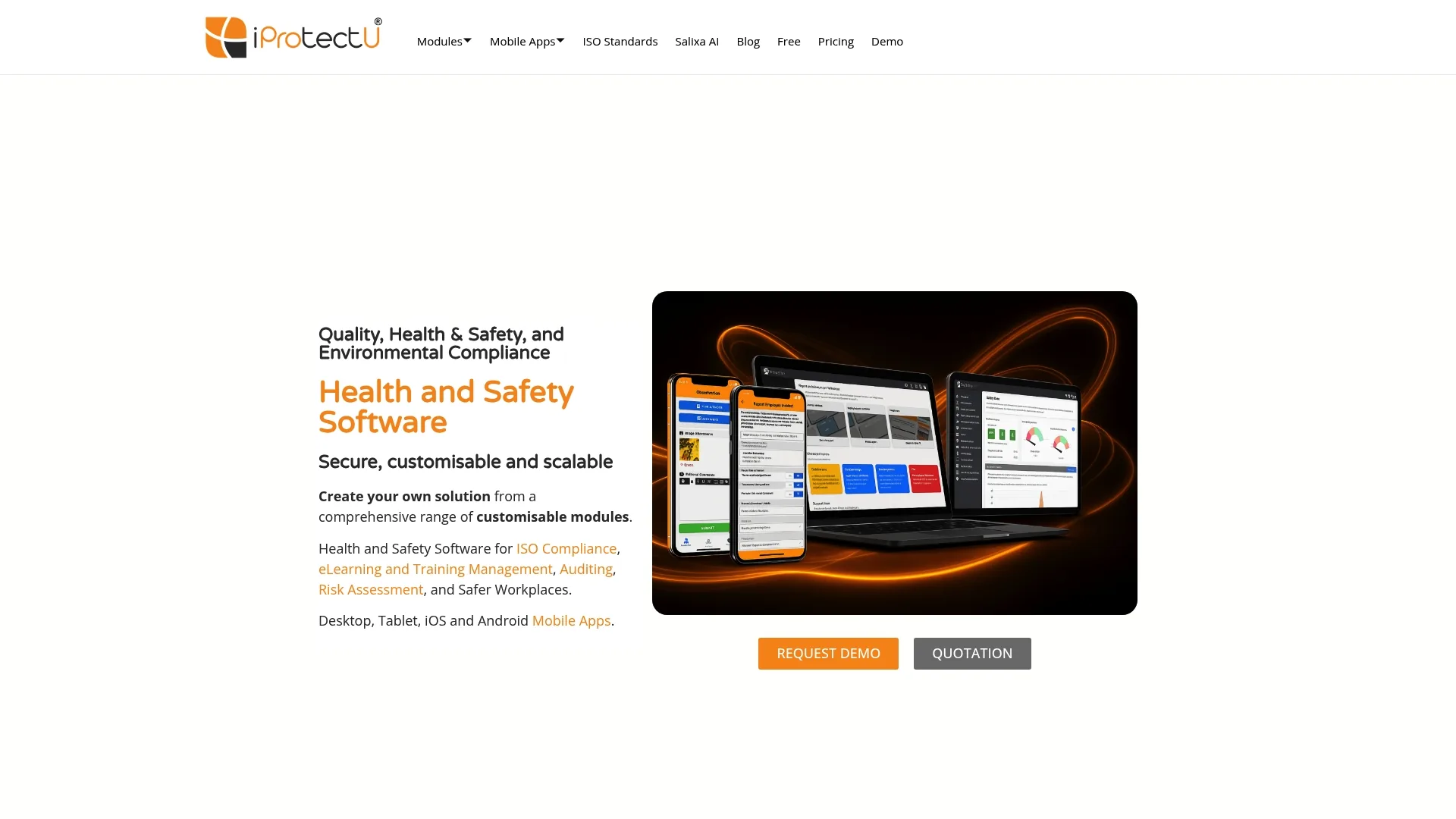
Supports ISO 45001, ISO 9001, and ISO 14001 across modular workflows and mobile reporting. Salixa AI supplies compliance insights to help teams prioritise audits and incidents. Modular configuration and offline mobile apps let site teams run audits and log incidents without continuous connectivity.
Core Features
iProtectU groups functionality into customisable modules for risk assessments, incident reporting, audits, legal registers, and training management. Mobile apps work offline and then synchronise records when a connection is available. The platform also includes AI-driven compliance analysis through Salixa AI to highlight likely non conformances and audit focus areas.
Key Differentiator
The platform’s standout trait is its modular customisation combined with embedded AI. That mix lets organisations tailor workflows to particular hazards while using AI to flag compliance gaps. The offline capable mobile apps extend those capabilities to remote or noisy sites where constant connectivity is unrealistic.
Pros
The modular design makes it straightforward to pick modules that match an organisation’s risk profile and maturity. Support for the three ISO standards above reduces the need for separate compliance tools across safety, quality, and environmental programmes. Offline mobile auditing and incident capture reduce paperwork at site level and speed up record keeping. Salixa AI claims to surface compliance priorities, which helps audit teams focus limited resource on the riskiest items.
Cons
- Pricing and specific feature sets vary by module. This may require a consultation to see total cost and scope.
- The wide feature set creates a learning curve for teams new to digital safety systems. Training investment is likely.
- Integration details with large enterprise systems are not listed, suggesting possible extra cost or technical effort to connect existing IT.
When It May Not Fit
If your organisation needs a single, simple checklist app for low risk sites, this modular platform may feel oversized. Firms with very constrained budgets should expect to discuss scope and modules before committing. Organisations planning deep ERP or HR system integration should validate integration options with the vendor first.
Who It’s For
Organisations from small firms to large enterprises that require ISO aligned safety, quality, and environmental management will find the platform relevant. Health and safety managers who run scheduled audits, maintain legal registers, or manage certification activity will benefit most. Teams that need mobile offline capture and configurable workflows will get the most value.
Real World Use Case
A manufacturing firm uses iProtectU to run regular safety audits across multiple production lines and shifts. Site teams log incidents on mobile devices offline and managers view aggregated analytics on the cloud. The company uses the audit history and AI insights to prepare for ISO surveillance audits and to prioritise corrective actions.
Pricing
Pricing is module based and depends on the number of users and selected functionality. The vendor offers tailored quotes rather than a fixed per seat price. Expect to request a bespoke proposal to see exact fees for your chosen modules and deployment scale.
Website: https://iprotectu.com
Safety365 by Sevron
At a Glance
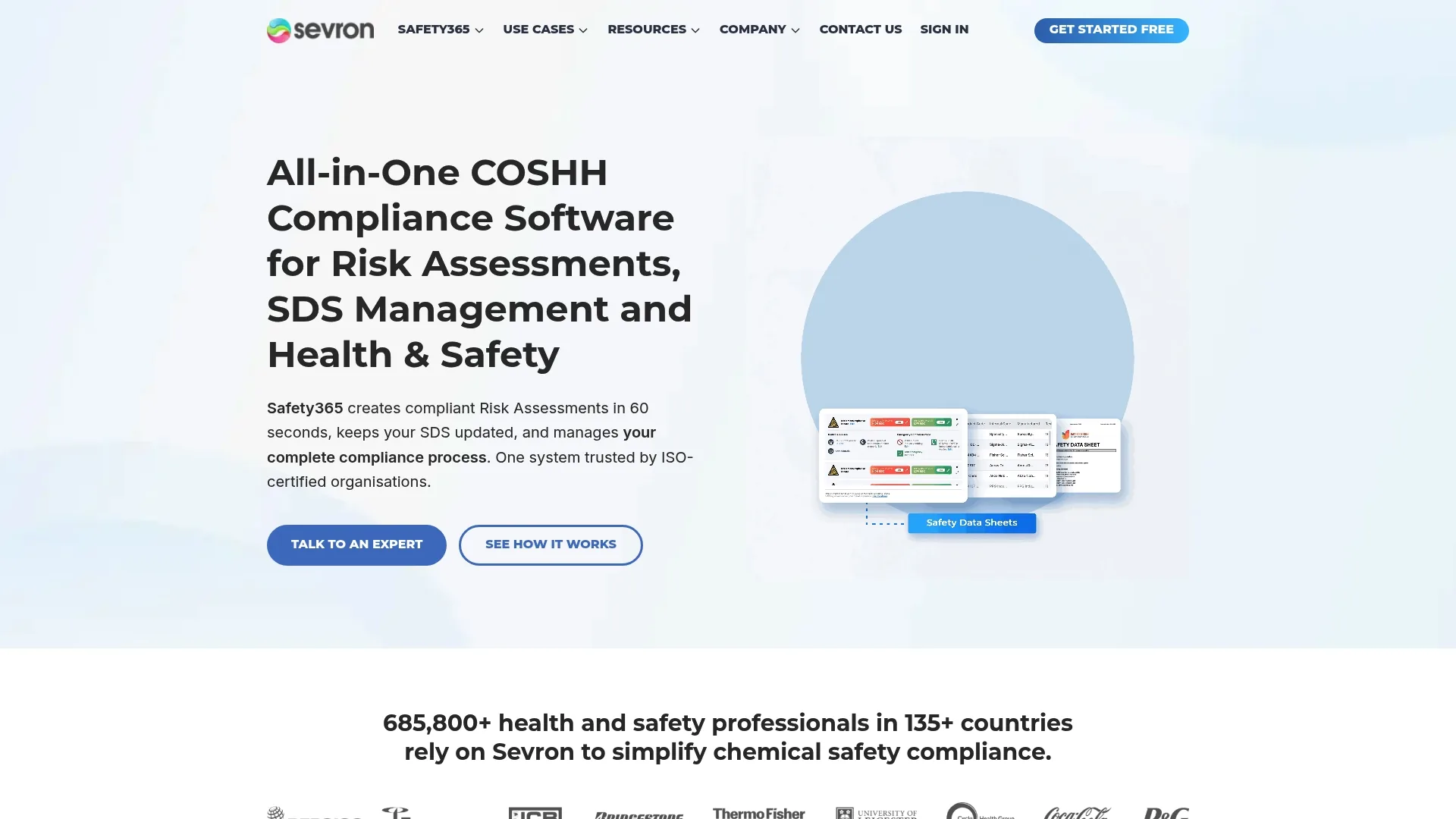
Safety365 reports it is trusted by over 685,800 safety professionals worldwide. The platform centres on chemical safety, with a particular focus on COSHH and safety data sheet management. It aims to cut administrative effort and keep sites inspection ready with automated alerts and dashboards.
Core Features
Safety365 combines an AI-driven COSHH 5-step wizard for risk assessment with what the vendor describes as the largest SDS database covering materials from 135+ countries. The service includes automated SDS updates and compliance alerts alongside a live compliance dashboard that scores and reports site performance. The Safety Training Academy supplies employee courses focused on chemical safety and COSHH standards.
Key Differentiator
The standout feature is the pairing of an AI assessment wizard with the vendor’s extensive SDS coverage. That combination lets teams generate rapid, evidence-backed COSHH assessments while keeping SDS inventories current. The approach suits organisations that manage large chemical portfolios across multiple sites.
Pros
Automation reduces repetitive paperwork by generating assessments and alerts from SDS entries, which saves health and safety teams time and lowers human error. The SDS coverage supports multinational operations by tracking sheets across many jurisdictions. The vendor lists ISO 9001 and ISO 27001 as built-in compliance markers, and the interface offers guided tools and training to help new users adopt processes more quickly.
Cons
- Some third-party reviews report the system can be complex to customise for very niche operations, which raises implementation time for specialised sites.
- The platform has a learning curve for new users because of its wide feature set, so early training is likely required.
- Several capabilities are gated behind higher tiers, so small teams may find full functionality requires an upgrade.
When It May Not Fit
Organisations with highly complex organisational structures may need deeper customisation than Safety365 provides out of the box. Small operations that want every feature on a free plan will find limitations in basic tiers. Buyers sensitive to total cost should anticipate higher charges as enterprise needs expand and as additional modules are added.
Who It’s For
Safety officers, compliance teams, and safety managers responsible for chemical and workplace safety will find this platform relevant. The product also suits multi-site directors and consultants who manage COSHH assessments and need centralised SDS control across UK and international locations. Small-business owners needing basic chemical safety support can start on lower tiers.
Real World Use Case
A manufacturing plant uses Safety365’s AI assessment wizard to run COSHH evaluations after material changes. The safety team receives automated SDS updates and audit-ready reports, which reduces the time spent preparing for inspections and keeps SDS inventories accurate across sites.
Pricing
Pricing is not explicitly listed on the vendor site. The vendor indicates pricing likely varies with enterprise plans, while small-business bundles include a free tier. Prospective buyers should contact Sevron for a tailored quote and details on what the free tier covers.
Website: https://sevron.co.uk
Worksmatic
At a Glance
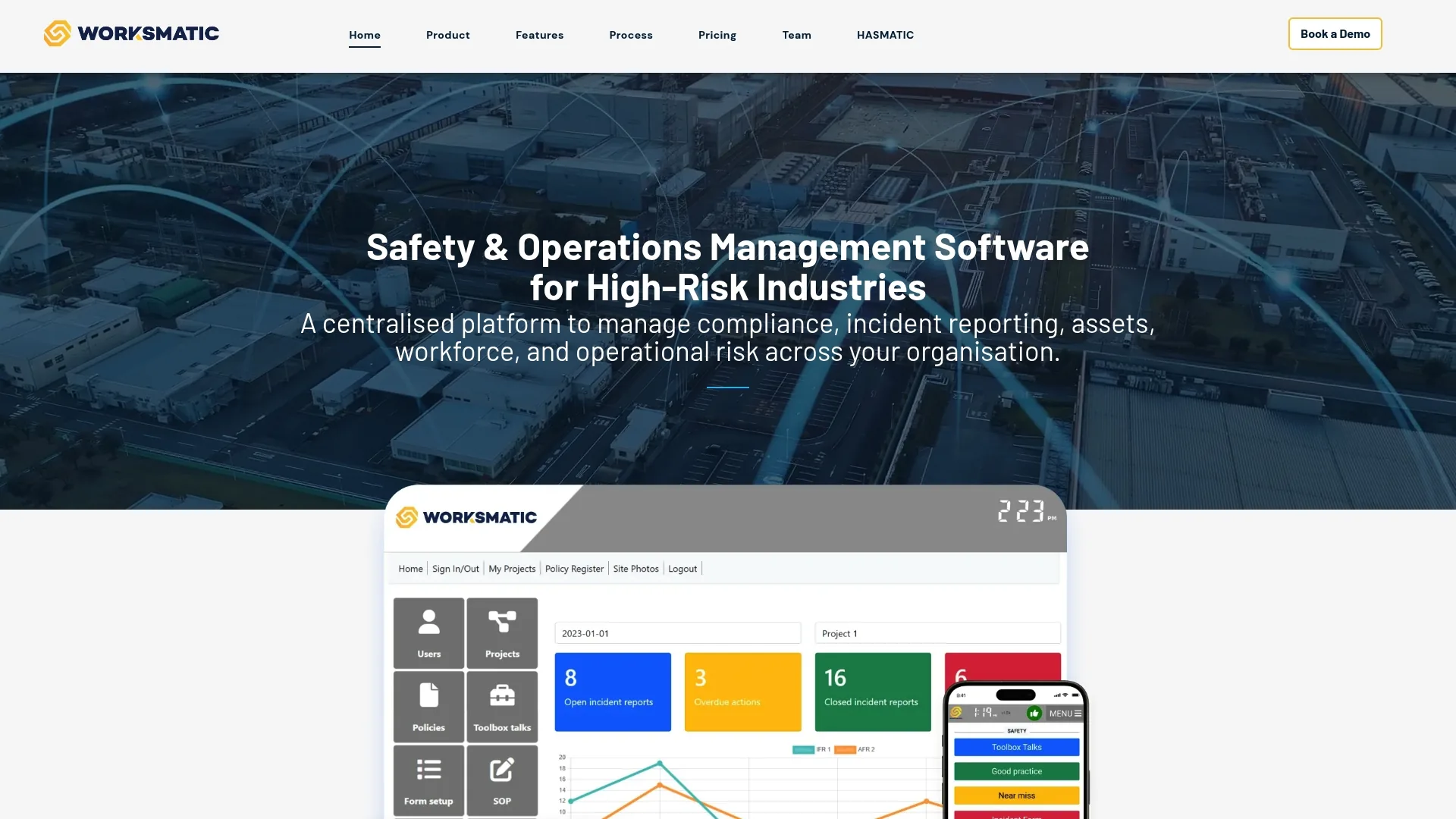
Worksmatic supports offline use so teams can log incidents and access records without a network connection. The platform centralises incident, asset and workforce data into a single cloud based workspace. It targets high risk sectors and emphasises deep customisation to match site practises.
Core Features
Worksmatic centralises compliance and incident management while letting you build custom workflows and reports that mirror on site processes. The product offers real time dashboards, workforce safety tracking and asset monitoring tools for continuous oversight. Document control, policy management and mobile data capture support day-to-day operational governance, particularly where teams move between work areas or operate in low-connectivity environments.
Key Differentiator
Its main differentiator is the combination of offline-first field usability with broad workflow customisation. That makes it attractive where standard templates do not reflect actual site controls, permit arrangements or contractor processes. For organisations with varied operational risk profiles, the ability to shape forms and reporting logic can be more valuable than a rigid out-of-the-box setup.
Pros
Offline access is useful for construction projects, utilities work and industrial environments where signal quality is inconsistent. Centralising incident, asset and workforce data can improve traceability and reduce duplication between supervisors, safety teams and operations managers. The custom workflow approach also helps organisations align digital records with internal procedures, contractor controls and escalation routes.
Cons
- Highly configurable systems can take longer to implement because workflows, permissions and reporting structures often need careful setup.
- Public pricing transparency is limited, so buyers may need a sales discussion before understanding total cost.
- Teams seeking explicit UK regulatory mapping for RIDDOR or CDM 2015 should verify how much of that logic is built in versus configured manually.
When It May Not Fit
If your priority is a ready-made compliance platform with strong native UK regulatory prompts, Worksmatic may require more internal design effort than some alternatives. Smaller organisations with limited admin capacity may also find a highly configurable environment harder to deploy quickly. It is best validated against your reporting, permit and contractor management requirements before purchase.
Who It’s For
Worksmatic is most relevant for organisations in higher risk sectors that need flexible workflows, offline field capture and a central operational record. It may suit principal contractors, facilities operators, logistics businesses and industrial employers that want to connect workforce, asset and incident information in one place. Buyers with mature internal processes are likely to gain the most value from its configurability.
Real World Use Case
A multi-site contractor uses Worksmatic to record inspections, workforce attendance, equipment status and incident reports from remote project areas. Supervisors complete forms offline during the shift, then synchronise records later for management review. This reduces gaps in field reporting and gives head office a more complete operational picture across active sites.
Pricing
Pricing is not clearly published in a standard self-service format. Prospective buyers should expect to contact the vendor for a tailored quote based on user numbers, workflow scope and deployment requirements.
Website: https://worksmatic.com
Comparison of alternatives
The right alternative depends on whether your priority is UK regulatory mapping, ISO-led management systems, COSHH depth, or offline operational flexibility. For UK duty holders working under HSE scrutiny, the practical question is not only which platform captures data, but which one helps maintain defensible records, timely escalation and consistent follow-up across sites.
| Platform | Best for | Standout strength | Potential limitation | Pricing visibility |
|---|---|---|---|---|
| LifeSafety.ai | UK construction, manufacturing and multi-site compliance teams | RIDDOR classification, AI hazard suggestions, direct mapping to CDM 2015 and BS standards | Broader platform depth may require onboarding | Clear starting price published |
| iProtectU | ISO-driven organisations needing modular workflows | Offline mobile apps plus ISO 45001, 9001 and 14001 support | Module-based pricing and integration scope may need validation | Quote-based |
| Safety365 by Sevron | Chemical safety and COSHH-heavy environments | AI COSHH wizard and extensive SDS database | Advanced capability may sit behind higher tiers | Limited public detail |
| Worksmatic | High-risk operations needing offline capture and custom workflows | Flexible configuration with centralised operational data | May require more setup to reflect UK compliance logic | Quote-based |
How to choose between them
In practice, software selection should be driven by your reporting obligations, operational complexity and the maturity of your management system. A principal contractor managing permits, inspections and near misses across multiple projects may prioritise direct alignment with RIDDOR, CDM 2015 and the wider expectations of the Building Safety Act. A manufacturer with strong certification requirements may place more value on ISO workflow support, while a chemical-intensive site may need COSHH and SDS capability above all else.
- Map your legal duties first. Identify whether your main pressure points are incident reporting, contractor control, COSHH, training records, permits or audit evidence.
- Test field usability. If supervisors and operatives cannot complete records quickly on site, data quality will suffer regardless of feature depth.
- Check regulatory logic. Ask whether RIDDOR triggers, review reminders, permit controls and audit trails are native or require manual configuration.
- Review implementation effort. Highly configurable systems can be powerful, but they often need more setup, governance and training.
- Validate reporting outputs. Ensure dashboards and exports support internal investigations, board reporting and evidence for HSE or client review.
Practical recommendation
If your organisation wants a broad UK-focused safety platform with strong support for incident management, risk assessments, permits and audit readiness, LifeSafety.ai stands out because it links operational workflows to the regulations UK teams actually work under. If your environment is more certification-led, iProtectU is a credible modular option. If chemical safety dominates your risk profile, Safety365 is the specialist choice. If offline flexibility and custom process design matter most, Worksmatic is worth shortlisting.
Final takeaway
The best Workforce Guardian alternative is the one that reduces administrative friction while improving the quality, consistency and defensibility of your safety records. For UK employers and consultants, that usually means choosing software that supports real site activity and reflects the practical demands of HSE inspections, RIDDOR reporting, CDM 2015 coordination and ongoing compliance assurance across projects and facilities.
Related Articles

Workplace safety software for construction teams
Discover top-rated workplace safety software for construction. Improve incident tracking, compliance, and safety analytics with Lifesafety!

LifeguardAI.co.uk alternatives for UK safety managers: 2026
Discover top lifeguardai.co.uk alternatives for UK safety managers. Explore Lifesafety and other innovative solutions to enhance workplace safety.

Site audit recommendations: your 2026 action plan
Unlock the power of effective site audit recommendations. Follow our 2026 action plan to boost indexing, enhance content quality, and improve site speed.