
Top 4 hsecloud.co.uk Alternatives for Health and Safety 2026
Top 4 hsecloud.co.uk Alternatives for Health and Safety 2026
Finding health and safety compliance software that automates statutory reporting and simplifies risk assessments is harder than expected for multi-site UK organisations. Many tools either hide pricing, require complex setup, or lack modules tailored to key regulations like RIDDOR and COSHH. This comparison breaks down features, regulatory coverage, and onboarding requirements across four leading providers so you can match the right platform to your compliance needs in 2026.
Table of Contents
LifeSafety.ai
At a Glance
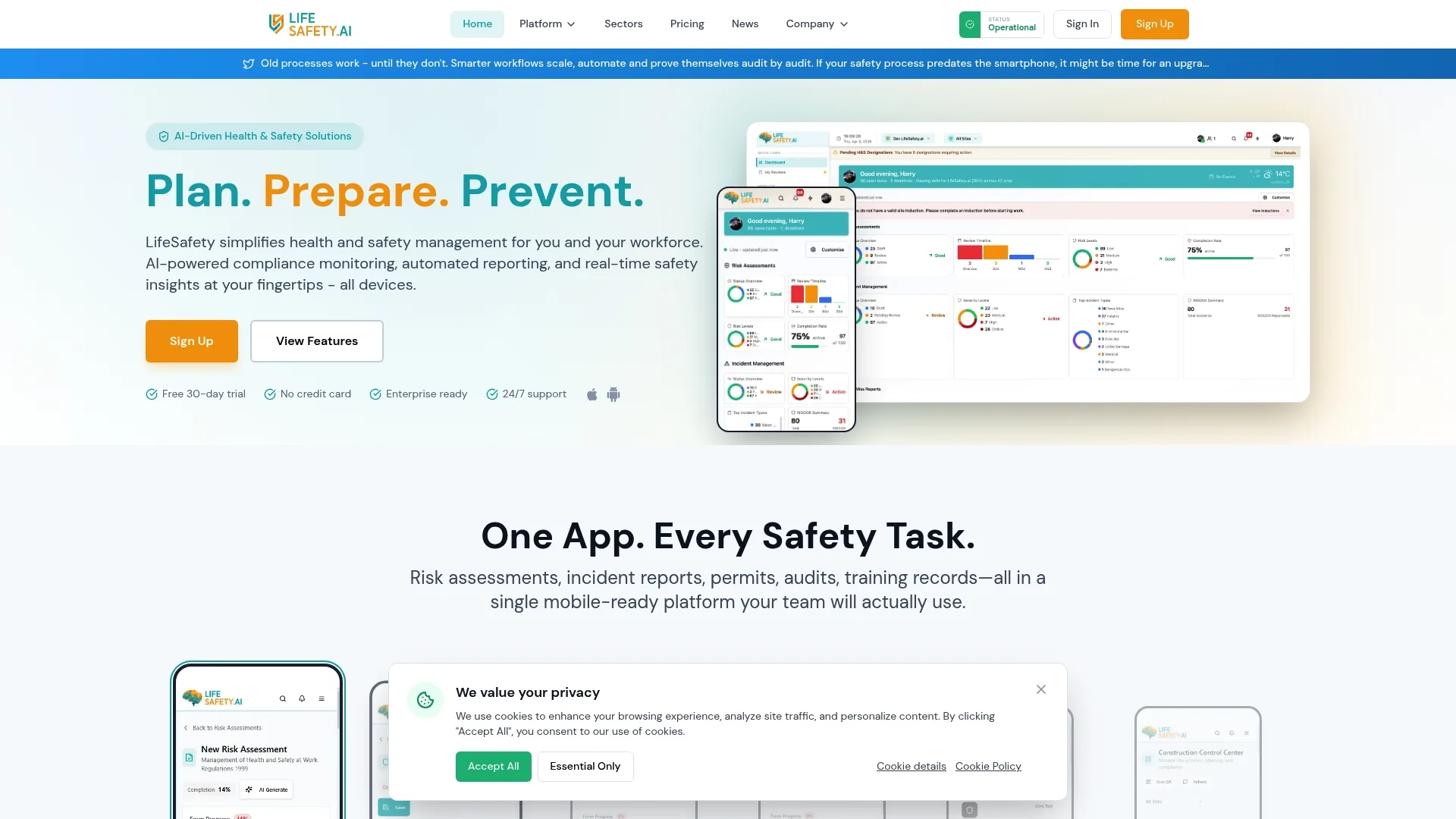
The vendor reports use by more than 500 UK organisations with over 50,000 safety records, a claim that helps explain its UK focus. LifeSafety.ai combines on-site mobile reporting with automated RIDDOR drafting and safety dashboards for multi-site operations.
Core Features
The platform groups safety tasks into modular tools you can use from desktop or on site.
- AI-powered compliance monitoring and risk assessments for faster hazard identification in inspections.
- Automated incident reporting and RIDDOR compliance that produces draft reports from field logs.
- Digital permits with approval workflows to manage permits to work and signoffs.
- Real-time safety dashboards and analytics for site-level and portfolio-level visibility.
- Mobile apps for field safety reporting and inspections and automated safety gap analysis.
- Customisable risk assessments and an open API for bespoke integrations and data exchange.
Key Differentiator
The vendor describes a product built for UK rules with 182 integrated modules, combined with AI-based hazard detection and automation to reduce manual paperwork. That module count underpins a regulation-led approach rather than a generic checklist tool, which helps teams match templates to RIDDOR and CDM 2015 requirements quickly.
Pros
- Tailored to UK regulations including RIDDOR and CDM 2015 so templates and reports align with statutory formats.
- Mobile-first reporting means site teams can log incidents, attach photos, and push a draft report while still on site, reducing handover delays.
- Real-time dashboards surface trends across sites so compliance teams can prioritise inspections where risk is rising.
- Cloud-based architecture delivers secure data handling and remote access for multi-site estates and mobile crews.
- Strong UK-based support and hosting reduce latency and keep data within familiar jurisdictions.
Cons
- Some users report initial implementation complexity and a learning curve for configuring workflows and integrating legacy systems; this tends to require a short implementation phase or bespoke development.
Who It’s For
Health and safety managers, compliance teams, and safety officers working across UK construction, manufacturing, and facilities management who run multiple sites and need regulation-specific templates and mobile reporting. It fits teams that need formal RIDDOR workflows and permit management rather than a lightweight checklist app.
Unique Value Proposition
Field entries generate draft statutory reports and trigger permit workflows automatically. That behaviour turns incident logging into a single action that closes the loop from site observation to compliance paperwork, reducing admin time and accelerating remedial steps for frontline teams.
Real World Use Case
A UK construction contractor used LifeSafety.ai to automate site risk assessments and manage permits to work. The firm moved on-site reporting onto phones, produced draft RIDDOR reports automatically, and reduced the administrative burden for safety officers while improving response times.
Pricing
A 30-day free trial is available at no cost. After trial the vendor advertises £15 per user per month on monthly billing, or £12 per user per month when billed annually.
Website: https://lifesafety.ai
Sevron
At a Glance
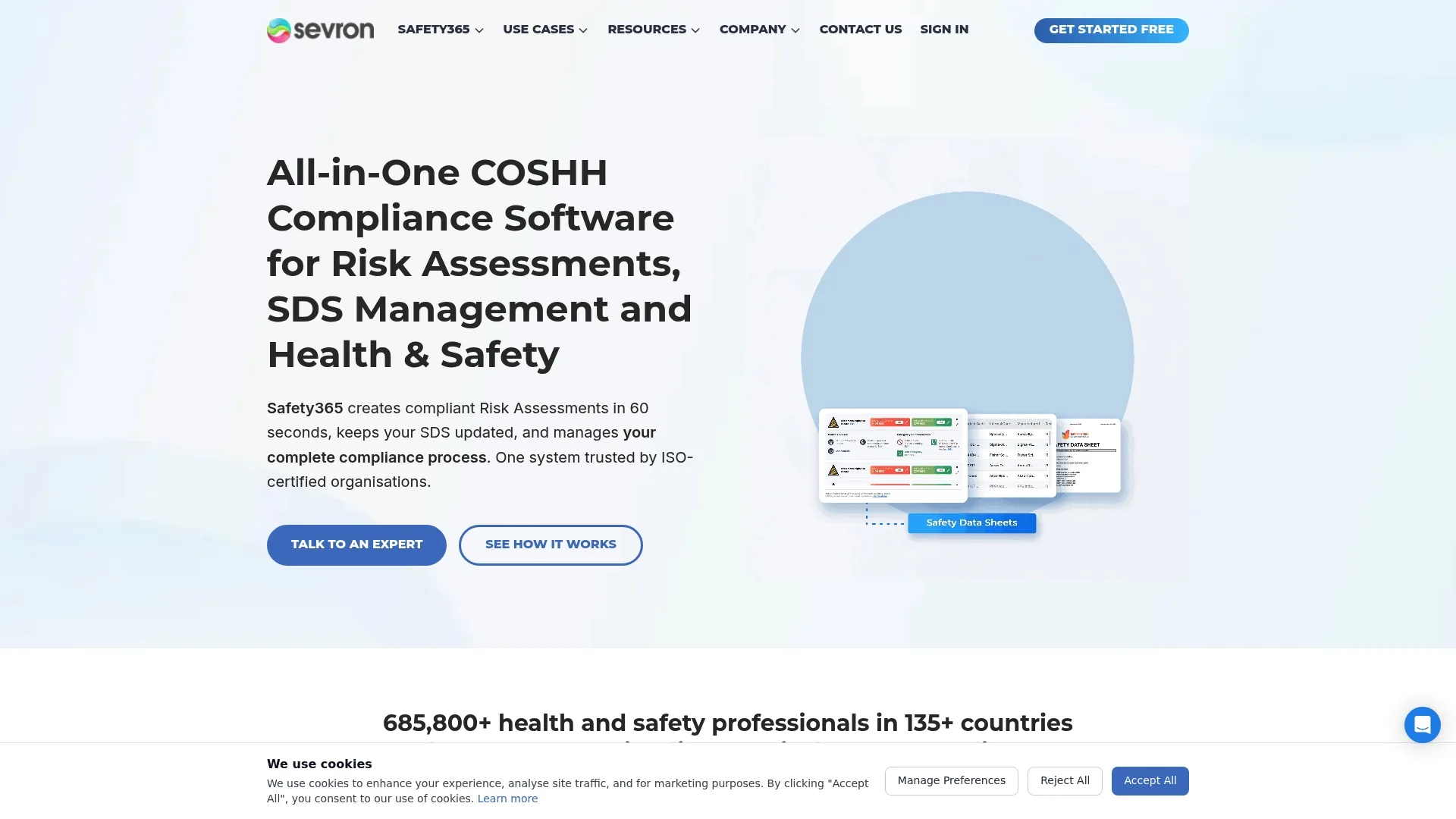
Sevron’s marketing materials report more than 685,800 safety professionals use the platform worldwide, a vendor claim that highlights its scale. The vendor also states it meets ISO 9001 and ISO 27001 standards and holds Safety‑Verse accreditation, according to its product literature.
Core Features
- AI-powered risk assessments with hazard detection and a guided workflow.
- Automated SDS management and updates plus an extensive safety data sheets database.
- Real-time compliance dashboards and reporting for multiple sites.
- Generates compliant COSHH assessments rapidly via a 5-step wizard.
- Online storage with review reminders and audit-ready exports.
Key Differentiator
The vendor advertises an AI workflow that produces compliant COSHH reports in 60 seconds, paired with continuous SDS updates and multi-region support. That 60 seconds claim is the headline differentiator and is aimed at teams who need frequent, consistent assessments across many sites.
Pros
- The interface is widely praised for clarity and navigation, which speeds up day-to-day logging and review.
- Live chat support is reported as responsive and helpful, useful when a site manager needs immediate clarification.
- Effective multi-site tools let safety officers keep a single compliance view across plants and stores.
- The platform produces professional assessments quickly, reducing manual transcription errors during audits.
- Safety data sheets receive regular updates, which lowers the burden of tracking changing substance data.
Cons
- New users face a learning curve; initial training is required to use the platform well.
- There are periodic technical glitches reported, mainly affecting compatibility with some PC setups.
- Public pricing is not provided in the product data which complicates procurement comparisons for budget holders.
When It May Not Fit
If you need a zero-training, plug-and-play solution for frontline operatives the training requirement will be a drawback. Organisations running older Windows builds or bespoke PC environments could see the compatibility issues above affect roll-out. If you require published per-user pricing to budget quickly this product data does not supply it.
Who It’s For
Safety managers, consultants and health and safety teams in manufacturing, chemicals, construction and multi-site retail who handle hazardous substances. It suits organisations that want automated COSHH assessments and central SDS control rather than a barebones checklist tool.
Real World Use Case
A manufacturer automates COSHH assessments across three production sites. The team uses the 5-step wizard to generate audit-ready reports, keeps SDS libraries synchronised, and monitors compliance on a live dashboard, which reduced time spent compiling reports before external audits.
Pricing
The product data lists pricing as “Not applicable — informational only.” No public pricing tiers or per-user figures are provided in the supplied information, so procurement teams should contact Sevron for licensing details and deployment options.
Website: https://sevron.co.uk
HandsHQ
At a Glance
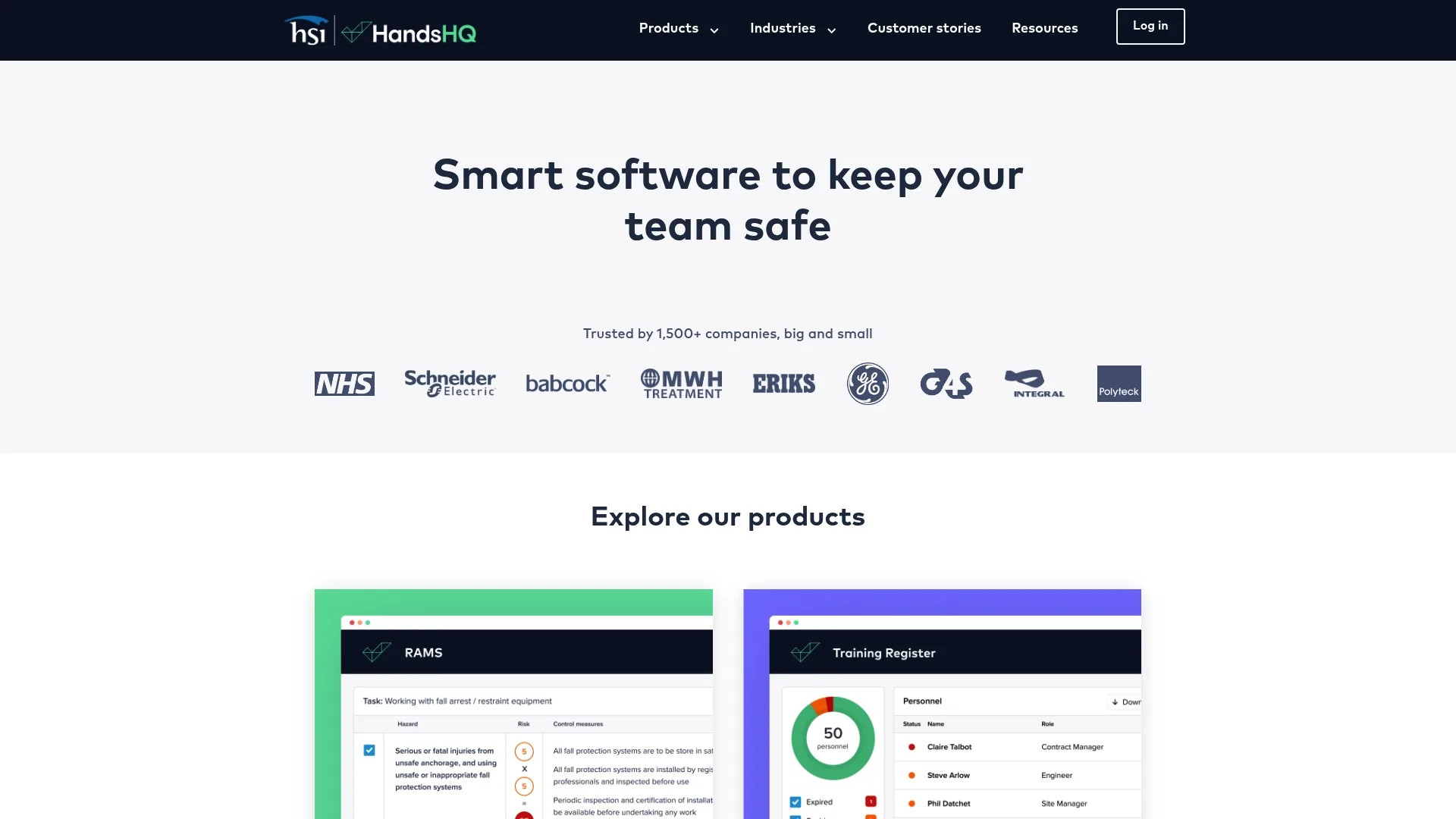
The vendor reports HandsHQ is used by more than 2,000 organisations, principally in construction, civil engineering and environmental services. It pairs risk assessment authoring with a content library and live collaboration to reduce time spent drafting RAMS and training records.
Core Features
Core capabilities centre on risk assessment and compliance documentation. Key items include:
- Risk assessment and method statement (RAMS) creation and version control with duplication for repeat work.
- Real-time collaboration so teams edit the same assessment and keep an audit trail of changes.
- Content library with trade specific activities and legislative material pre-populated for faster drafting.
- Document branding and PDF downloads with custom branding options.
Key Differentiator
The platform combines an integrated content library with automated legislative updates and live collaboration, aiming to cut drafting time for safety teams. That mix makes it quicker to produce consistent, branded RAMS across projects and to keep documents aligned with changing rules.
Pros
- High quality documents produced. The templated RAMS and pre-populated activities reduce manual gaps when you prepare assessments.
- Time saving for users. Reusing templates and duplicating previous assessments speeds delivery on tight project schedules.
- Easy to prepare assessments. The workflow guides less experienced staff through common activities and controls.
- Broad applicability across trades. The library covers construction, civil engineering and environmental tasks so fewer custom entries are required.
- Centralised training records simplify competency tracking for multi-site teams.
Cons
- Restrictive project limits reported by users. Some teams say monthly project caps force painful workarounds.
- Cost concerns relative to perceived value. Several user reports describe the pricing as high for their usage patterns.
- Difficulties exporting documents. Users have reported complex or unclear steps when downloading or exporting PDFs and files.
- Occasional unclear instructions and feature discoverability. New users may need support before they use the system confidently.
When It May Not Fit
If you run a very high volume of short, one off projects each month, the reported project limits may make HandsHQ impractical. If you require simple, frictionless PDF export for large archives, the download navigation issues could slow operations.
Who It’s For
Safety and compliance teams operating in high risk sectors such as construction and civil engineering who need structured RAMS authoring, version control and a pre-populated activity library. Best suited to teams that standardise documents across projects and value collaborative editing.
Real World Use Case
A medium sized construction firm uses HandsHQ to create RAMS for repeat package work, duplicate site assessments, and keep training records in one place. Project teams edit assessments together on mobile and desktop, reducing paper forms and manual consolidation.
Pricing
Pricing details were not supplied in the provided data. Contact HandsHQ for current plan options, licence models and any limits on projects or exports before budgeting.
Website: https://handshq.com
Safesmart Smartlog
At a Glance
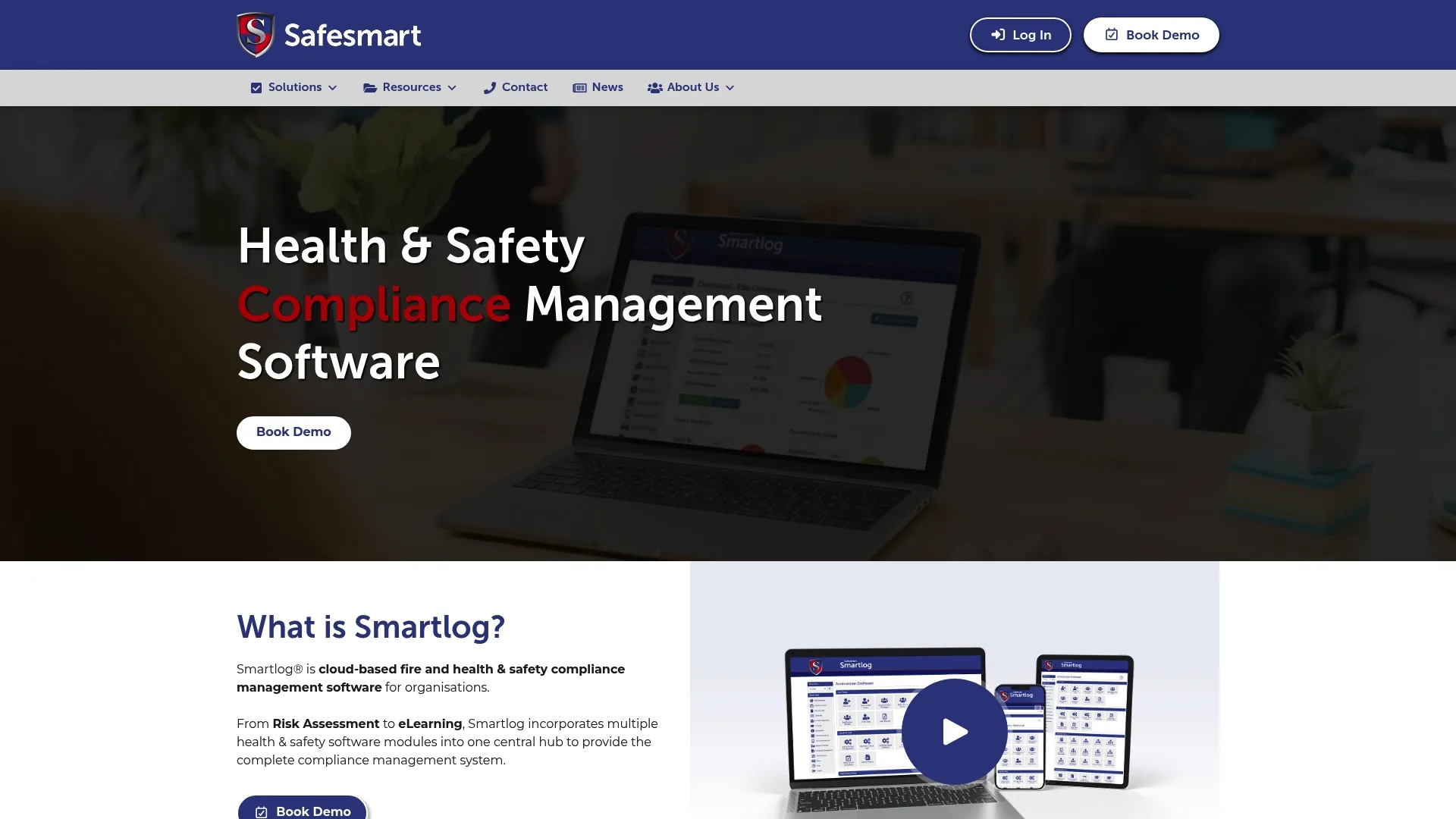
The vendor reports over 300,000 active users and more than 8,000 sites using Smartlog, a claim that signals scale across education, healthcare, manufacturing and hospitality. The platform mixes compliance modules with on-demand professional services and CPD training.
Core Features
- Risk management modules: risk assessments, checks and tests, accident reporting and a document library for central records.
- Premises and asset management with hazard flagging, scheduled audits and medical tracking across sites.
- E-learning: CPD-accredited courses with branded certificates and integrated training records.
- Professional support services including consultancy and implementation assistance.
- Multi-site oversight tools for estates, compliance tasks and recurring reviews.
Key Differentiator
Smartlog stands out by combining software modules with access to professional services and training support. For organisations that want a broader compliance operating model rather than software alone, that blended approach can reduce the need to source separate consultancy, training and system administration.
Pros
- Broad module coverage supports risk, premises, accident and training management in one environment.
- Large installed base suggests experience supporting complex, distributed organisations.
- CPD-accredited learning tools help organisations maintain competence records and refresher evidence.
- Professional services can support implementation, policy alignment and ongoing compliance improvement.
- Suitable for sectors with mixed operational and premises risks, including healthcare and hospitality.
Cons
- Public pricing information is not clearly available, which can slow early-stage procurement comparison.
- The breadth of modules may be more than smaller teams need if they only require incident logging or simple inspections.
- Organisations seeking a highly specialised construction-first workflow may need to validate fit during demonstrations.
When It May Not Fit
If your priority is a lightweight, low-cost app focused narrowly on one process such as RIDDOR reporting or permit to work, Smartlog’s broader platform approach may feel heavier than necessary. It may also be less attractive for buyers who need transparent self-serve pricing before engaging with sales.
Who It’s For
Multi-site organisations in education, healthcare, manufacturing, hospitality and facilities environments that need a wider compliance platform covering premises, training and incident management. It is particularly relevant where estates compliance and workforce competence sit alongside operational safety duties.
Real World Use Case
A healthcare estate uses Smartlog to coordinate risk assessments, scheduled checks, accident reporting and staff training across multiple buildings. Compliance leads gain a central record of actions, while site teams complete recurring tasks and maintain evidence for inspections and internal audits.
Pricing
Pricing was not supplied in the provided source content. Contact Safesmart for current licensing, implementation scope and any service bundle options.
Website: https://safesmart.co.uk
Comparative Analysis of HSE Compliance Software Systems
For UK dutyholders, the right platform depends less on headline feature counts and more on how well the system supports your actual compliance workflow. That means looking at statutory reporting, hazardous substance management, document control, training evidence, mobile usability and the practical realities of deployment across multiple sites. The comparison below focuses on the areas most relevant to organisations managing obligations under HSE guidance, RIDDOR, COSHH, CDM 2015 and, where applicable, the Building Safety Act.
| Platform | Best For | Compliance Strength | Pricing Visibility | Key Watchout |
|---|---|---|---|---|
| LifeSafety.ai | Multi-site UK construction, manufacturing and FM teams | Strong on RIDDOR, permits, mobile reporting and UK-specific workflows | Clear public pricing | Implementation may require configuration effort |
| Sevron | Teams with heavy COSHH and SDS management needs | Strong on hazardous substances and rapid assessment workflows | Not publicly listed | Training and compatibility issues may affect rollout |
| HandsHQ | Construction and civil engineering teams producing repeat RAMS | Strong on document standardisation and collaboration | Not publicly listed | Project limits and export friction reported by users |
| Safesmart Smartlog | Broader estates, training and compliance management | Wide module coverage across risk, premises and learning | Not publicly listed | May be broader than needed for narrow use cases |
How to Choose the Right Alternative
Procurement teams should assess each platform against the operational risks and legal duties that matter most to their organisation. In practice, that usually means asking:
- Does the system support the exact reporting workflow you need for RIDDOR, internal incident escalation and corrective action tracking?
- Can frontline teams use it easily on mobile devices in live site conditions, including poor connectivity or fast-moving environments?
- Does it provide enough structure for COSHH, RAMS, permits to work, inspections and document review reminders?
- Is pricing transparent enough for budgeting, and are there hidden limits on projects, users, exports or modules?
- Will implementation require significant configuration, data migration or training before value is realised?
Practical Recommendation by Use Case
- Choose LifeSafety.ai if you need a UK-focused platform with strong support for RIDDOR, mobile incident capture, permits and multi-site dashboards.
- Choose Sevron if your biggest challenge is hazardous substance control, SDS maintenance and fast, repeatable COSHH assessments.
- Choose HandsHQ if your teams spend most of their time producing and updating RAMS across construction projects.
- Choose Safesmart Smartlog if you want a broader compliance ecosystem spanning premises, training and operational safety.
Final Thoughts
There is no single best health and safety platform for every organisation. The strongest choice is the one that reduces administrative friction while improving evidence quality, response times and audit readiness. For many UK organisations, especially those operating across construction, manufacturing and facilities portfolios, the deciding factor will be whether the software reflects real statutory workflows rather than generic task management.
If your priority is to connect site reporting directly to compliance action, LifeSafety.ai stands out for its UK-specific orientation, transparent pricing and automation around incident handling. Where substance management, document authoring or broader estates compliance dominate, Sevron, HandsHQ and Safesmart Smartlog each offer strengths worth evaluating through a structured demonstration and pilot.
Related Articles

Workplace safety software for construction teams
Discover top-rated workplace safety software for construction. Improve incident tracking, compliance, and safety analytics with Lifesafety!

LifeguardAI.co.uk alternatives for UK safety managers: 2026
Discover top lifeguardai.co.uk alternatives for UK safety managers. Explore Lifesafety and other innovative solutions to enhance workplace safety.

Site audit recommendations: your 2026 action plan
Unlock the power of effective site audit recommendations. Follow our 2026 action plan to boost indexing, enhance content quality, and improve site speed.